
Get started
Signing in
Everyone signs in at one address, login.worklynq.net. Worklynq then takes you to your company’s own workspace, such as yourcompany.worklynq.net.
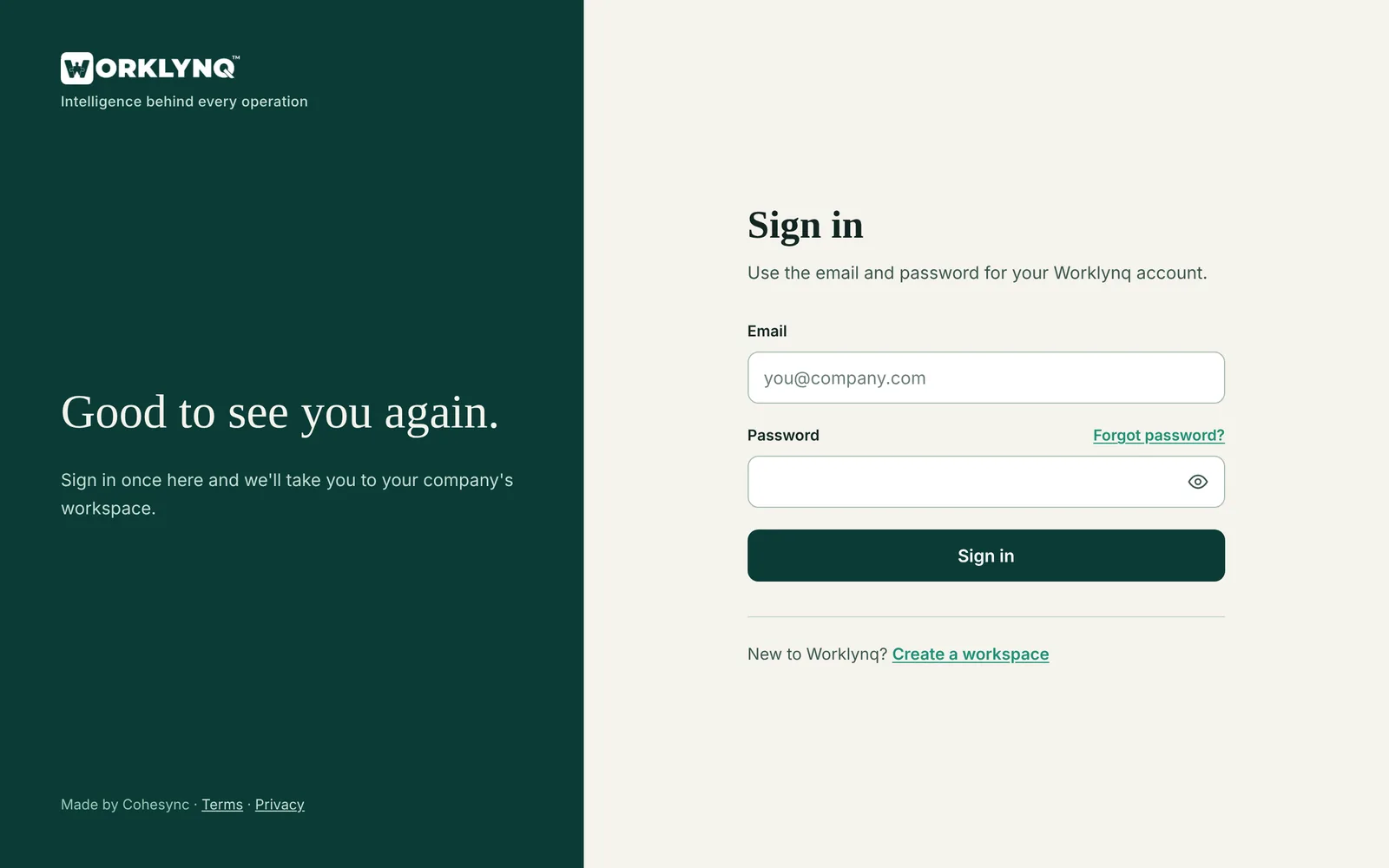
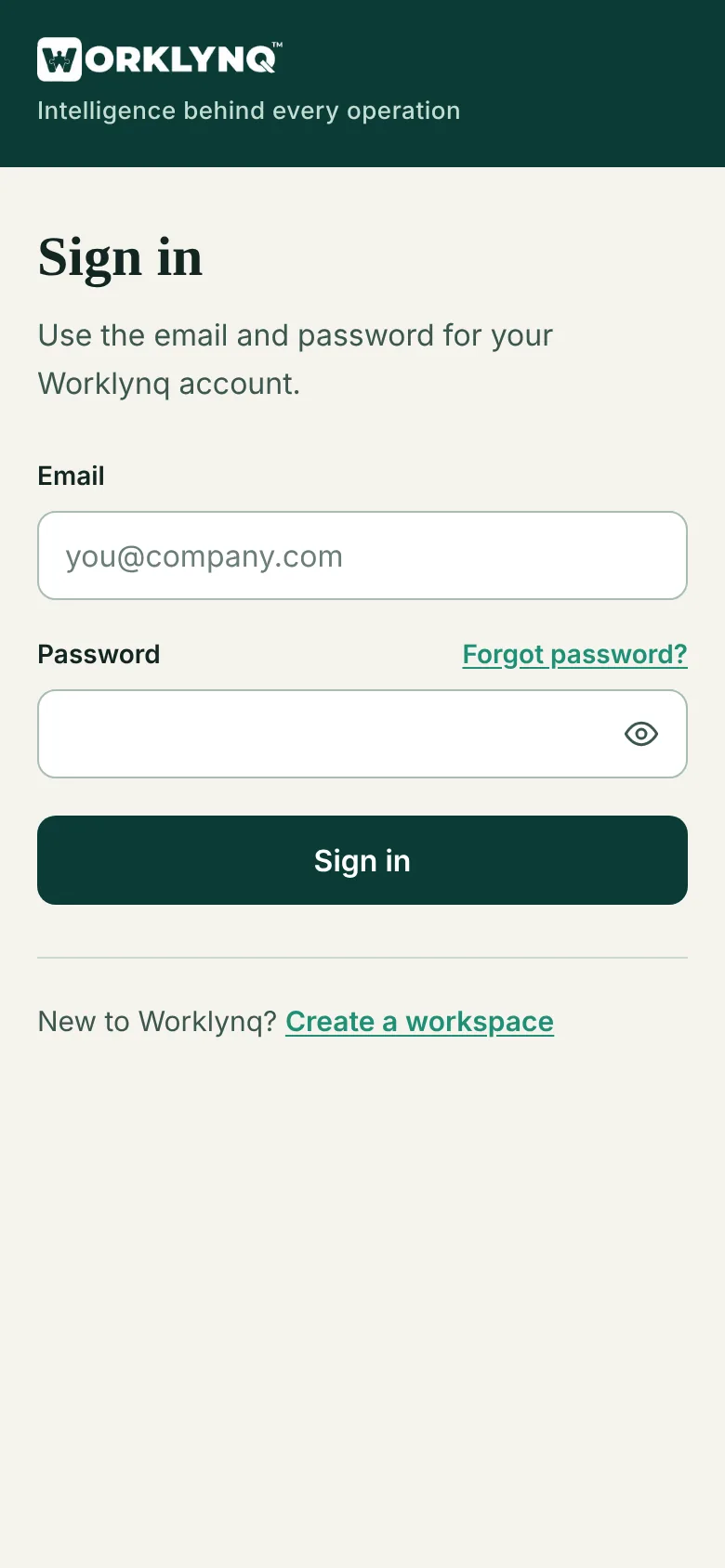
Sign in
- Go to
login.worklynq.net, or your workspace address — it sends you to the same page. - Enter your email and password and click Sign in. The eye button shows what you typed.
- You land in your company’s workspace, on Home.
Just signed up? Your workspace takes a few minutes to build. Until it’s ready, signing in says Your workspace … is still being set up; we email you when it’s done.
Forgot your password
- On the sign-in page, click Forgot password?
- Enter the email you sign in with and click Send reset link. If it has a Worklynq account, we email a link.
- Open the link, choose a new password, and click Save and sign in.
The link works once, for 30 minutes. If it has expired or been used, ask for a new one from the sign-in page.
Accept an invitation
When someone at your company invites you, you get an email with a link. Open it, create a password, and click Join. Invitations last 14 days and work once; if yours has expired, ask your company’s admin to send a new one.
Passwords
A password needs at least 8 characters and a number or symbol. When you sign up or accept an invitation it also can’t contain your name or email. The page ticks each rule as you type.
Can’t sign in?
- “Invalid email or password” — check the email, or reset your password.
- “Your company’s Worklynq workspace is suspended” — your company’s access is paused. Contact your admin, or info@cohesync.com.
Last updated: October 26, 2026. Questions? info@cohesync.com