
Features
Home
Home is where everyone starts. It shows the work that needs you, what’s overdue across the company, and how each project, store, or product is doing — so the first thing you see each morning is what to do next.
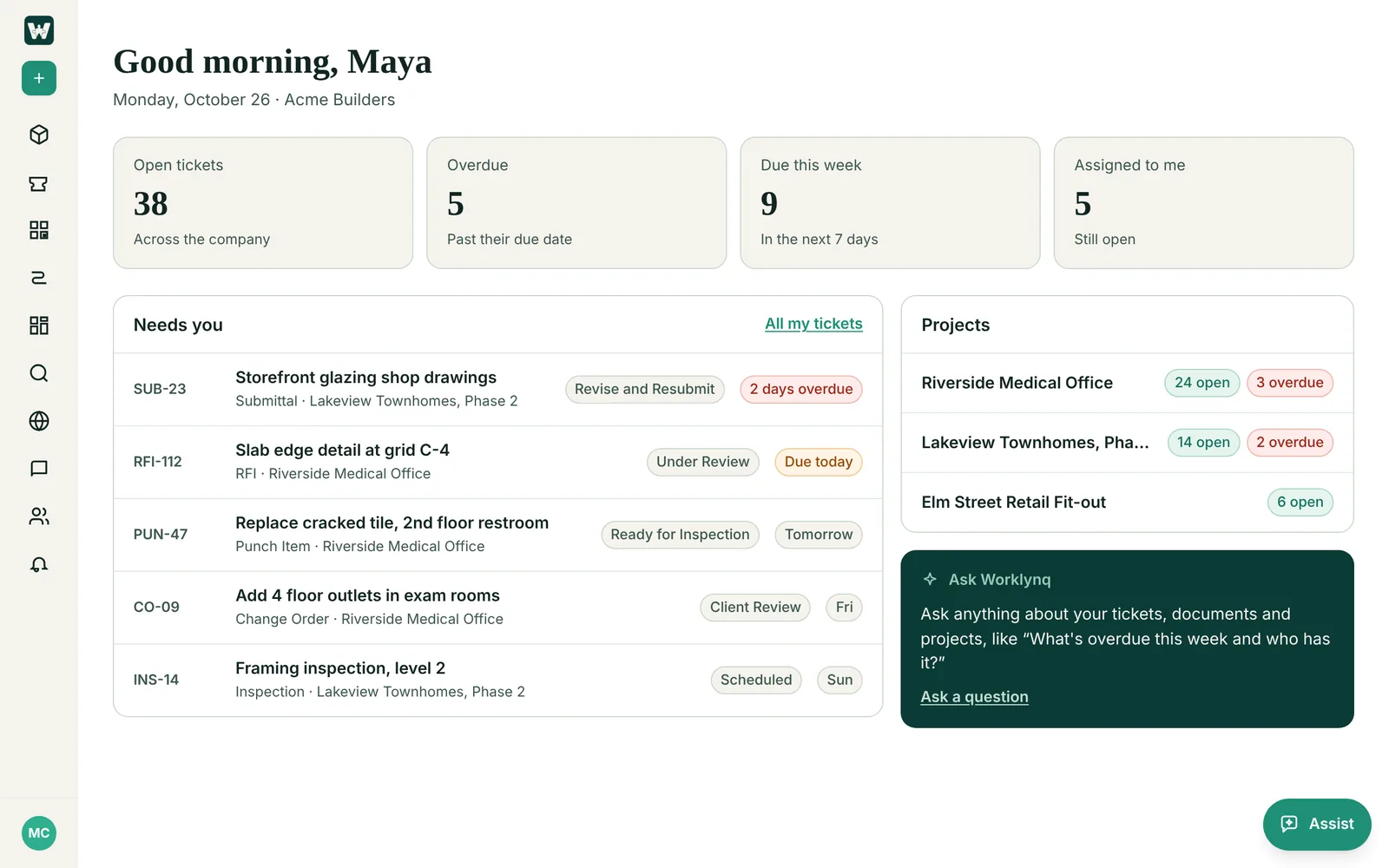
What’s on Home
- Four counts. Open tickets, overdue, and due this week across your company, and how many open tickets are assigned to you. Click Assigned to me to open My Tickets.
- Needs you. Your open tickets, soonest due first, with each ticket’s stage and when it’s due — Due today, Tomorrow, a weekday, or 2 days overdue. Click one to open it.
- Your projects, stores, or products. The busiest ones, with their open and overdue tickets. Click one to open it.
- Ask Worklynq. When AI Search is on, ask a question about your tickets, documents, and projects.
- Finish setting up. If you’re the System Admin and chose Finish later during setup, Home has a link back to it.
A ticket counts as open until it reaches one of its type’s end stages. An RFI that’s Answered or a Submittal that’s Approved is done, even though those aren’t called “Done”.
On your phone
Home works the same on a phone, with the counts two by two and your list underneath.
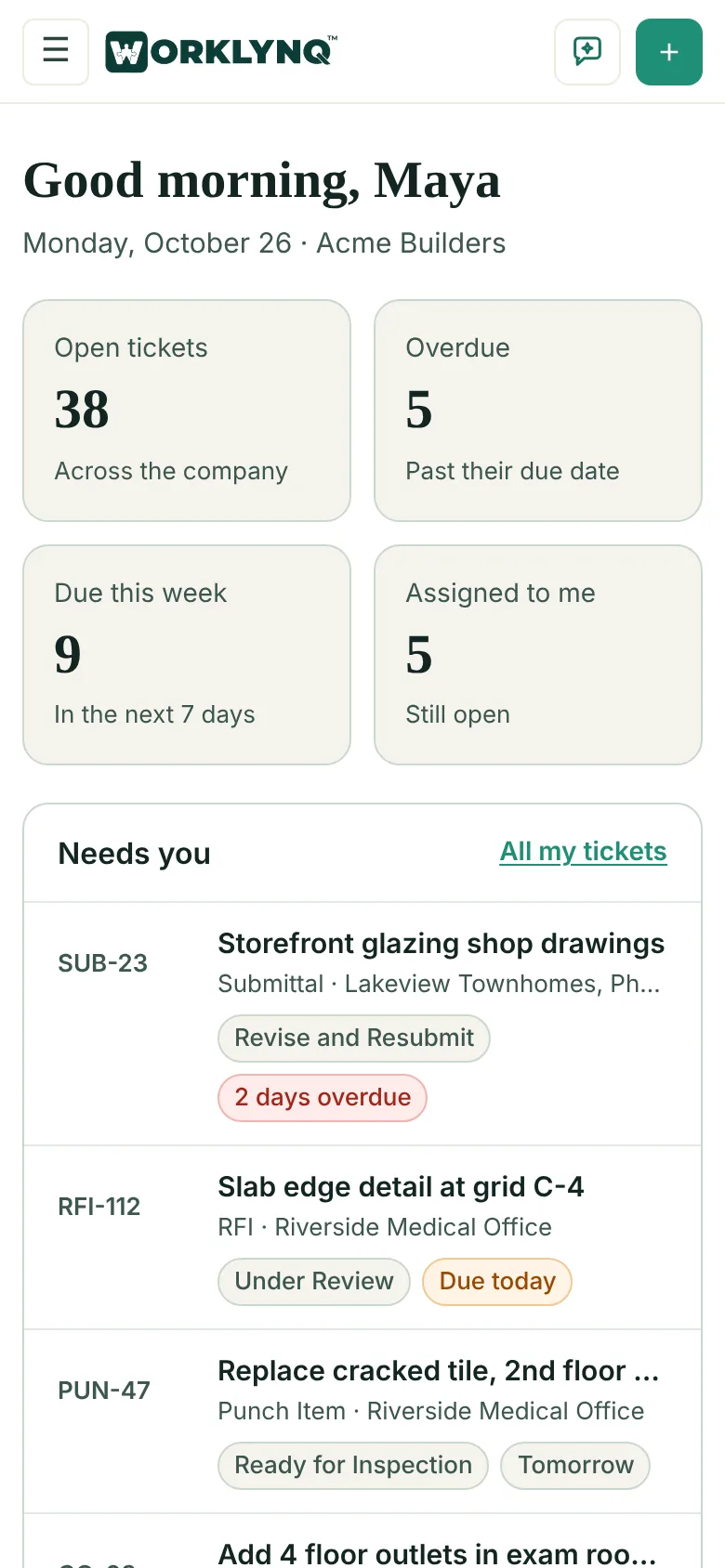
Turn Home on or off
Home is a module. It’s on for every company and first in the sidebar, so it’s where Worklynq opens. Your System Admin can move it or turn it off in Admin console → Work Configuration → Modules; Worklynq then opens on your first module instead. See Modules.
Last updated: October 26, 2026. Questions? info@cohesync.com